Carbon Design System

UI shell right panel

Stable
Last updated Oct 2, 2026

The right panel is part of the Carbon UI shell, providing shared interaction patterns that create a consistent experience across products.

UI shell right panel

Color

The UI Shell can be customized to use any of the four IBM themes by applying an inline theme to the shell zone.

Element

Property

Color token

Panel

background color

$layer

border-left

$border-subtle

Header action

border-left, border-right

$border-subtle

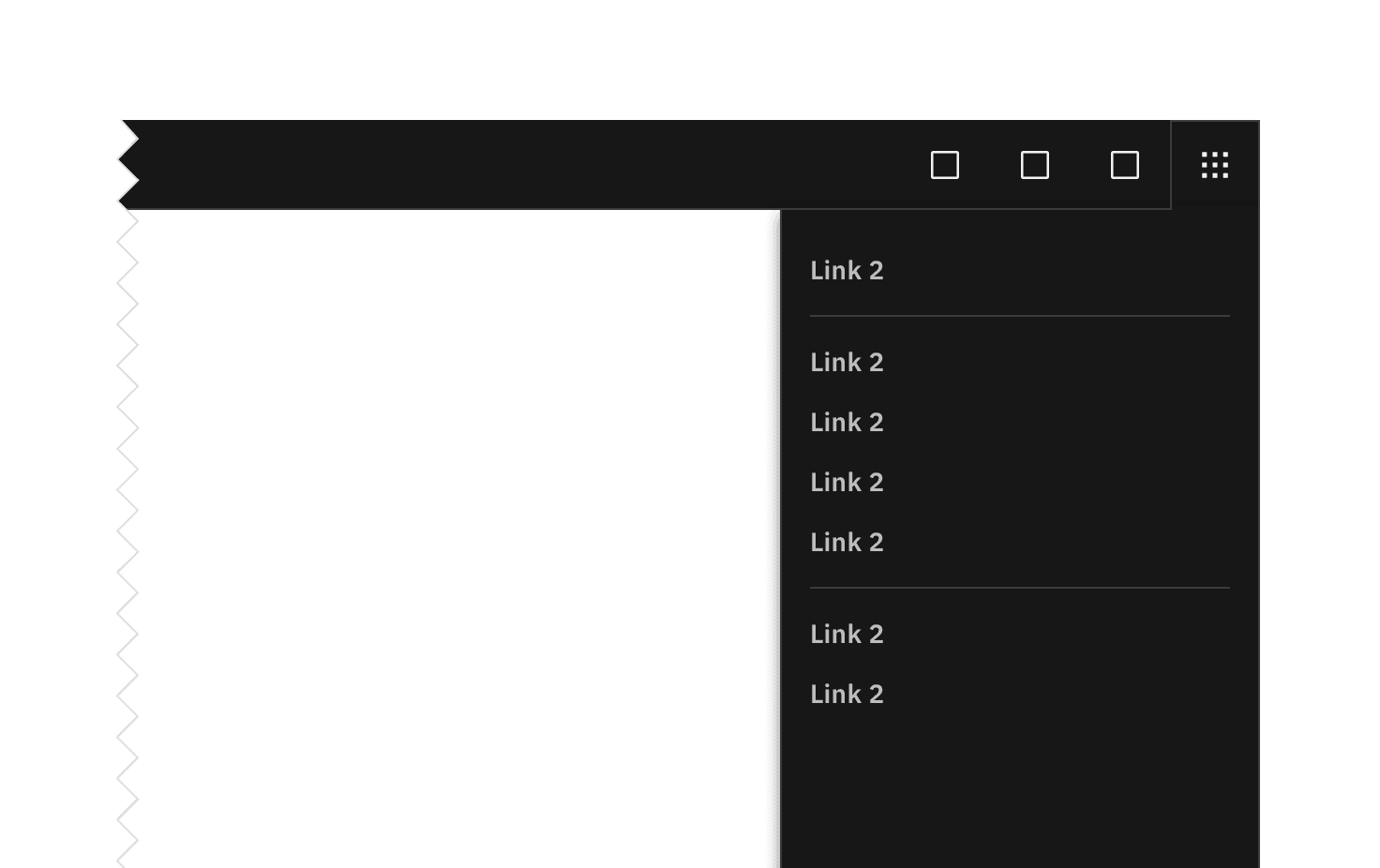
UI shell right panel example.

UI shell switcher example

Item

State

Property

Color token

Enabled

text color

$text-secondary

Hover

background color

$layer-hover

text color

$text-primary

Focus

border

$focus

Active

background color

$layer-active

text color

$text-primary

Selected

background color

$layer-selected

text color

$text-primary

Disabled

text color

$text-disabled

Typography

Element

Font-size (px/rem)

Font-weight

Type token

Item

14 / 0.875

SemiBold / 600

$heading-compact-01

Structure

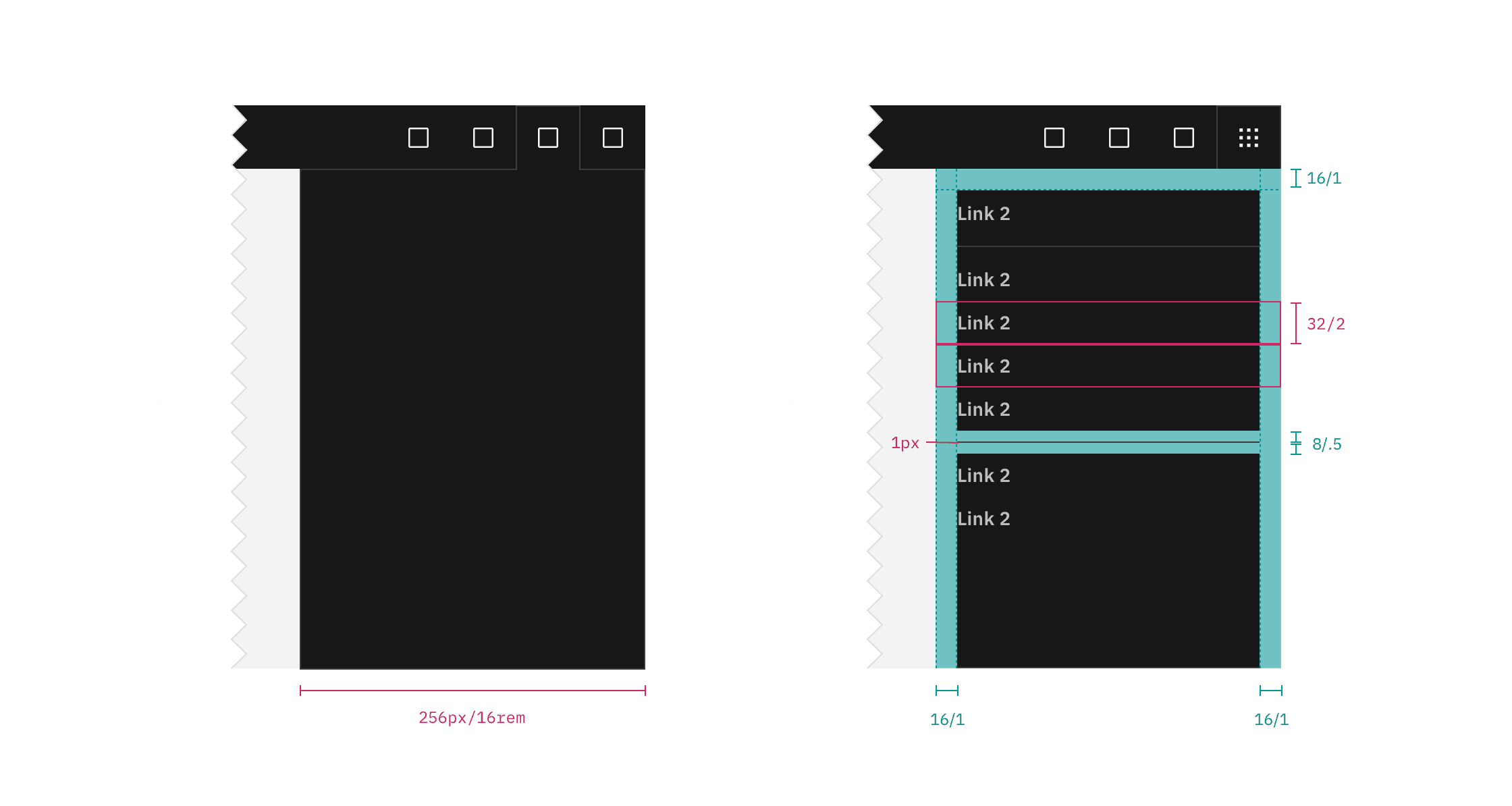
The panel spans the full height of the browser and is fixed to the right edge of the window.

Element

Property

px/rem

Spacing token

Panel

width

256 / 16

–

Item

height

32 / 2

–

padding left, padding right

16 / 1

$spacing-05

Header action

height, width

48 / 8

–

svg

20 / 1.25

–

UI shell right panel example.

Structure and spacing measurements for right panel | px | rem.

Feedback

Help us improve by providing feedback, asking questions, requesting features, or leaving any other comments on GitHub.