Keyboard interaction
The switcher button is the last item in the UI shell header. Activating the button (with Space or Enter) opens the right panel over the main content area. All actionable links in the panel can be reached by Tab. Activating any of the links (with Enter) loads new content and closes the right panel. The panel can also be closed by pressing Esc or by re-activating the switcher button (which receives an X icon on activation).
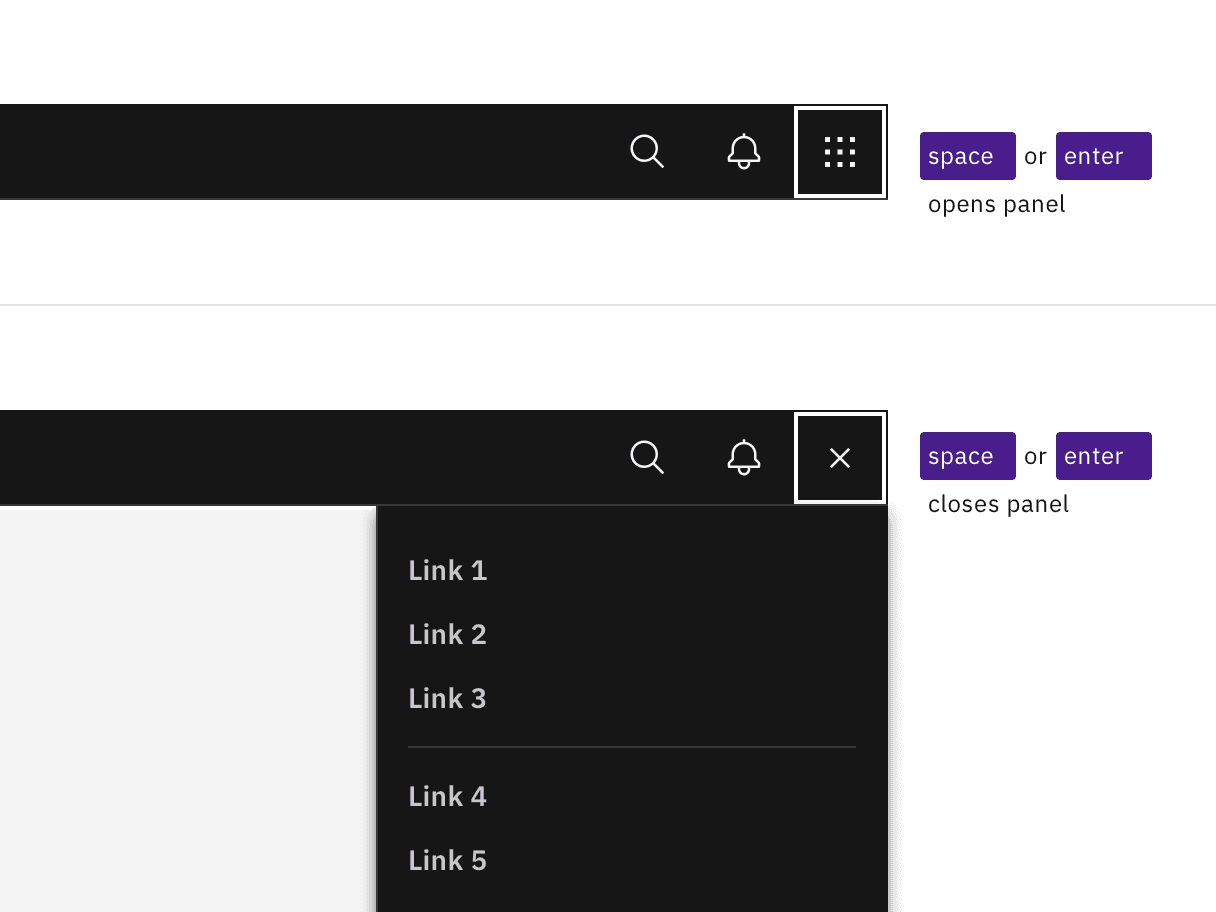
Activating the switch button with Enter or Space toggles the display of the right panel.

Links are reached by Tab and activated by Enter key. Activating links or pressing Esc key closes panel.
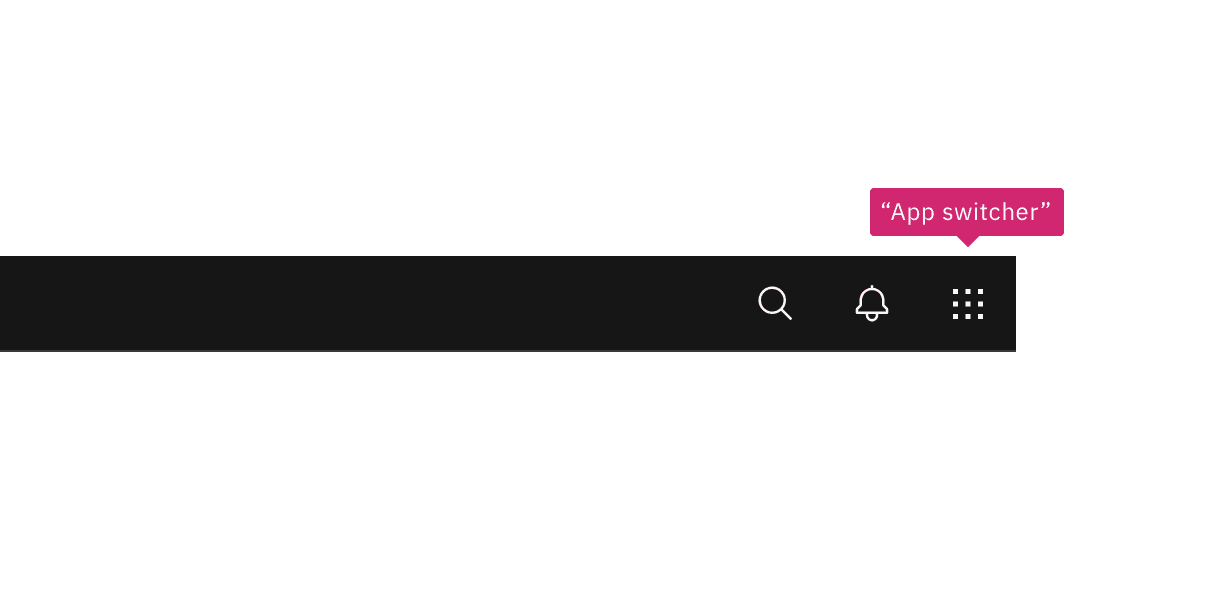
Annotate a name change to the switcher button if needed in your design.
Feedback
Help us improve by providing feedback, asking questions, requesting features, or leaving any other comments on GitHub.