What Carbon provides
No accessibility annotations are needed for file uploaders, but keep these considerations in mind if you are modifying Carbon or creating a custom component.
Carbon bakes keyboard operation into its components, improving the experience of blind users and others who operate via the keyboard. Carbon incorporates many other accessibility considerations, some of which are described below.
Keyboard interactions
Both variants of the file uploader provide buttons for uploading and removing files. The drop target “Drag and drop files here…” also provides conventional button keyboard interaction (Tab to reach; Enter or Space to activate). Once a file has been added, it can be removed by activating the delete (“x”) button after each file name.
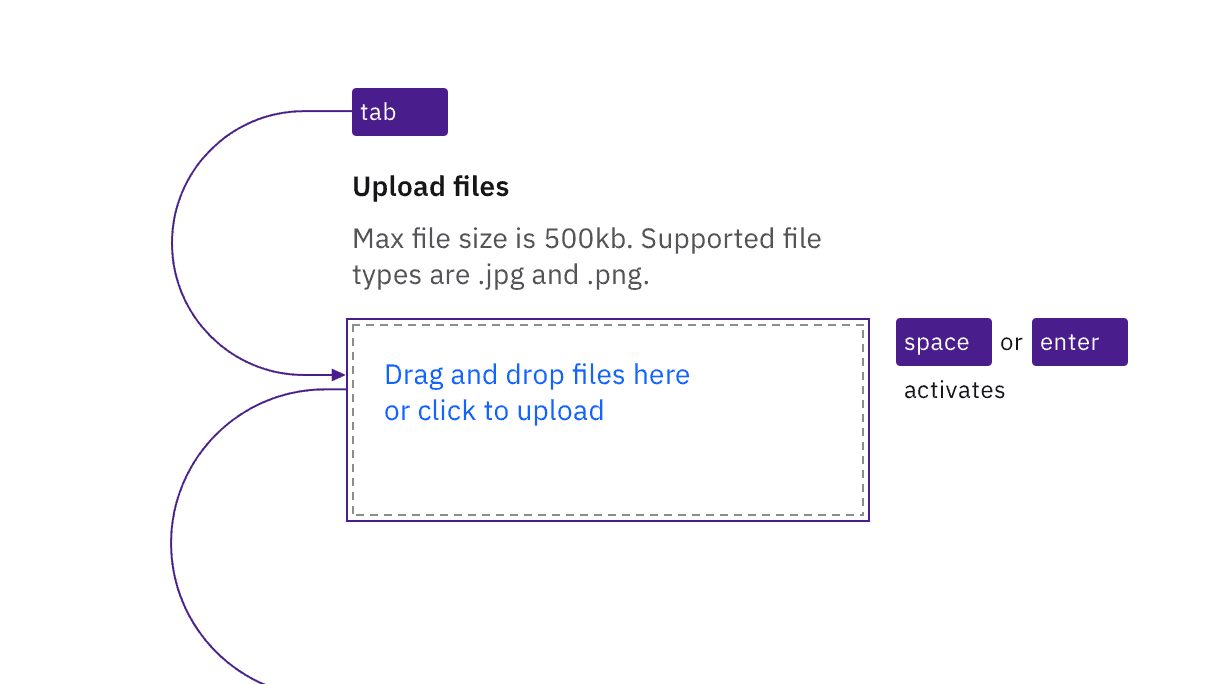
The drop zone is also a button that responds to standard keyboard interaction.
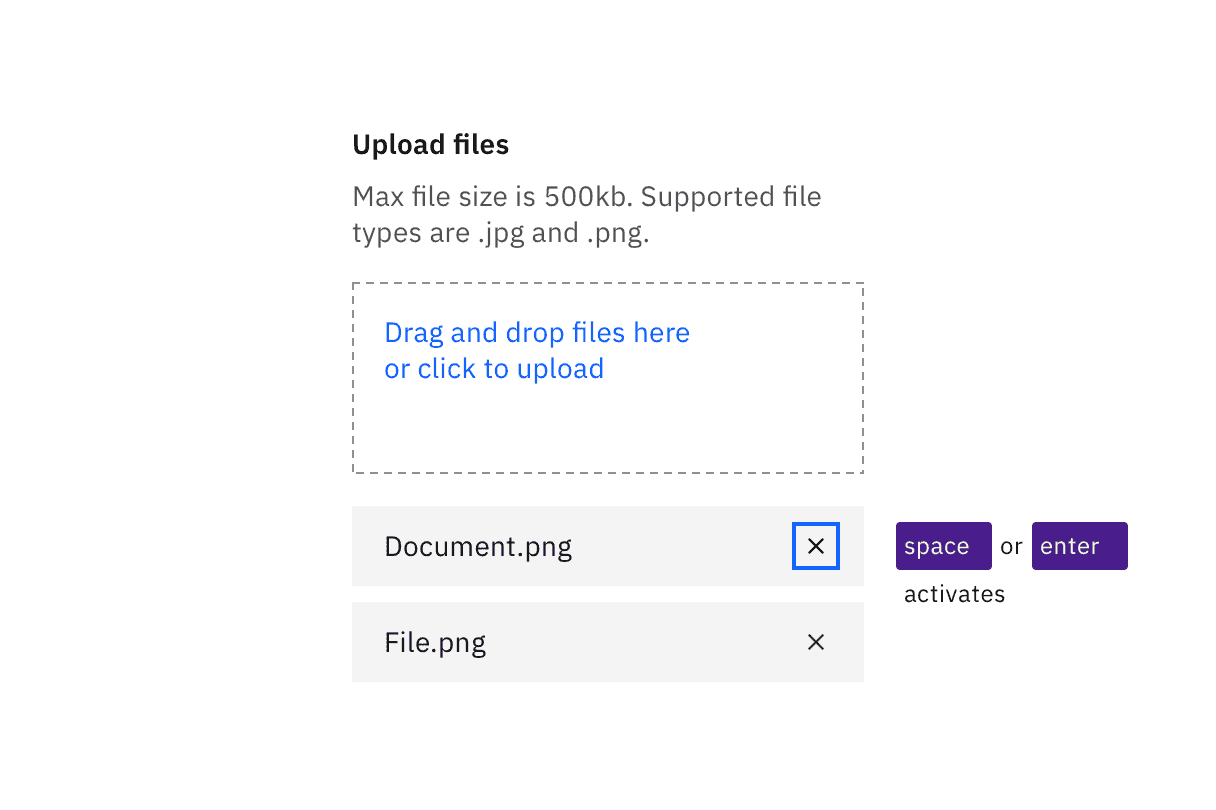
Uploaded files can be removed by tabbing to each “x” button and activating.
Development considerations
Keep these considerations in mind if you are modifying Carbon or creating a custom component:
- The ‘Drag files’ area is constructed as a button to support keyboard operation.
- Error messages about file uploads must be exposed to assistive technology.
- The Delete button needs to have the uploaded file name associated with it programmatically, so the user understands which file will be removed.
Accessibility testing status
Latest version: 1.113.0 | Framework: React (@carbon/react)
| Component | Accessibility test | Status | Link to source code |
|---|---|---|---|
| File uploader | Test(s) that ensure the initial render state of a component is accessible. | Passes all automated tests with no reported accessibility violations. | GitHub link |
| Tests that ensure additional states of the component are accessible. This could be interactive states of a component or its multiple variants. | Passes all automated tests with no reported accessibility violations. | ||
| Tests that ensure focus is properly managed, and all interactive functions of a component have a proper keyboard-accessible equivalent. | Passes all automated tests with no reported accessibility violations. | ||
| This manual testing ensures that the visual information on the screen is properly conveyed and read correctly by screen readers such as JAWS, VoiceOver, and NVDA. | A human has manually tested this component, e.g. screen reader testing. |
Feedback
Help us improve by providing feedback, asking questions, requesting features, or leaving any other comments on GitHub.