What Carbon provides
No accessibility annotations are needed for inline loading components, but keep these considerations in mind if you are modifying Carbon or creating a custom component.
Carbon bakes keyboard operation into its components, improving the experience of blind users and others who operate via keyboard. Carbon also incorporates other accessibility considerations, some of which are described below.
No accessibility annotations are needed for inline loading components, but keep these considerations in mind if you are modifying Carbon or creating a custom component.
Keyboard interaction
The inline loading component is not keyboard operable; however, when inline loading is in an active state, it may temporarily replace or disable an associated component. For instance, if inline loading is showing the result of a button action, relevant input controls as well as other actions may be disabled and inoperable until the loading state changes to either error or complete.
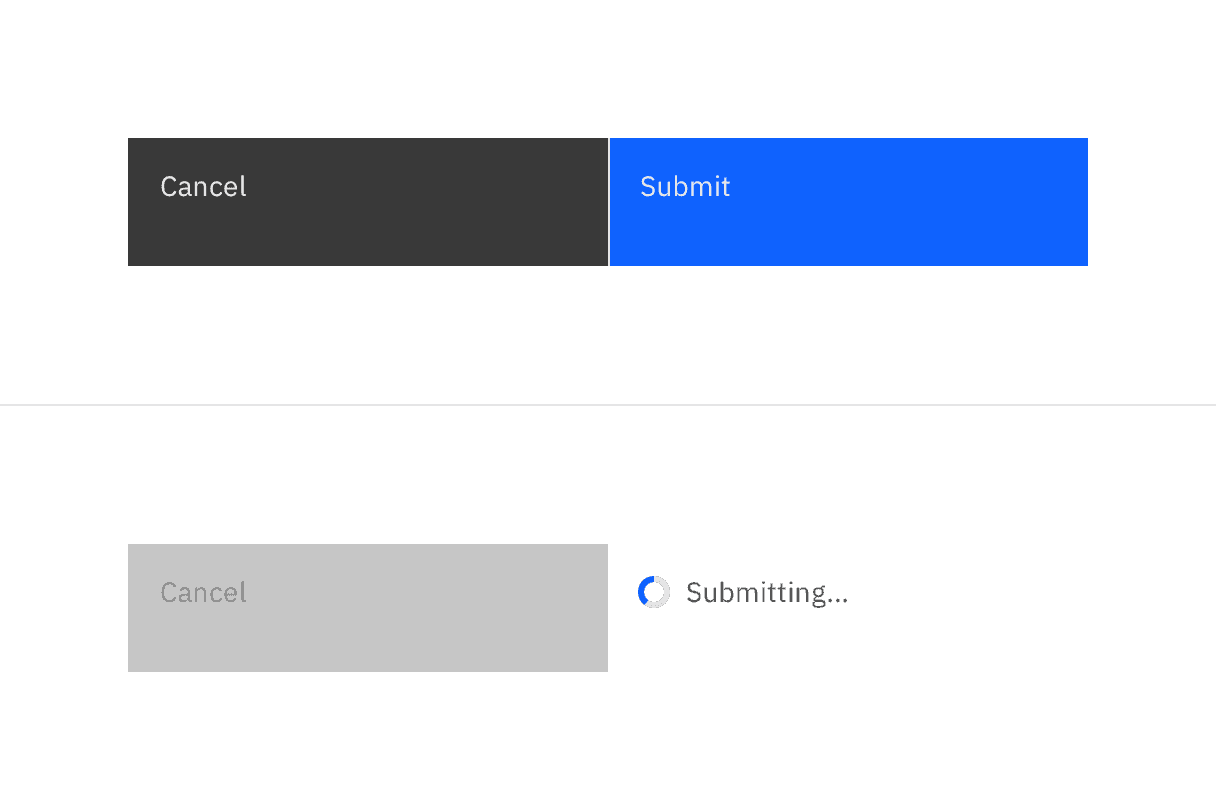
Inline loading components are not interactive, but may temporarily disable dependent components.
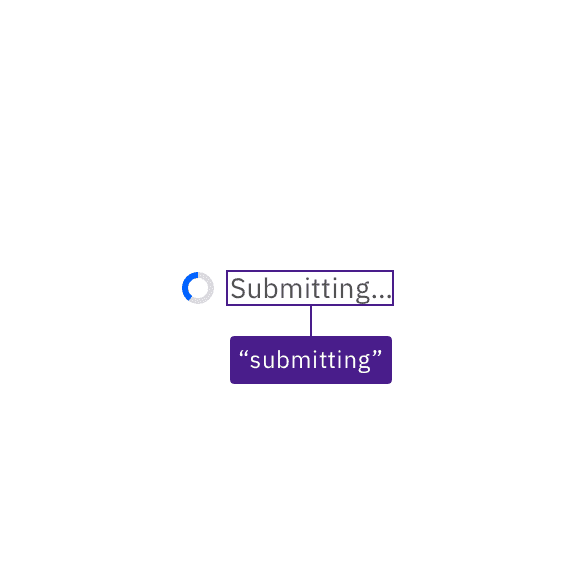
Inline loading text is provided to assistive technologies.
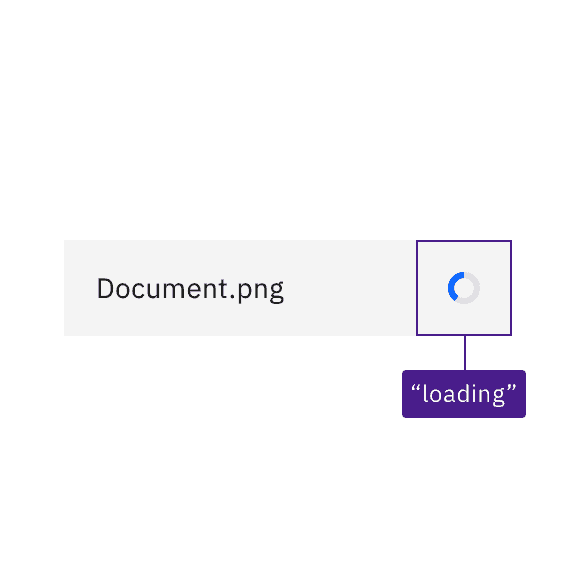
Where there is no text, Carbon provides a text equivalent for the loading symbol.
Development considerations
Keep these considerations in mind if you are modifying Carbon or creating a custom component.
- Carbon uses an
aria-liveregion set to “polite” to surface inline loading text messages, where they are used. - Where no text is displayed for inline loading, Carbon uses the SVG title of the status icon to surface the status (“active”, “finished”, “error”) to assistive technologies.
Accessibility testing status
Latest version: 1.114.0 | Framework: React (@carbon/react)
| Component | Accessibility test | Status | Link to source code |
|---|---|---|---|
| Inline loading | Test(s) that ensure the initial render state of a component is accessible. | Passes all automated tests with no reported accessibility violations. | GitHub link |
| Tests that ensure additional states of the component are accessible. This could be interactive states of a component or its multiple variants. | Automated or manual testing has been temporarily deferred. | ||
| Tests that ensure focus is properly managed, and all interactive functions of a component have a proper keyboard-accessible equivalent. | Test data is either not available or not applicable for this component state. | ||
| This manual testing ensures that the visual information on the screen is properly conveyed and read correctly by screen readers such as JAWS, VoiceOver, and NVDA. | A human has manually tested this component, e.g. screen reader testing. |
Feedback
Help us improve by providing feedback, asking questions, requesting features, or leaving any other comments on GitHub.